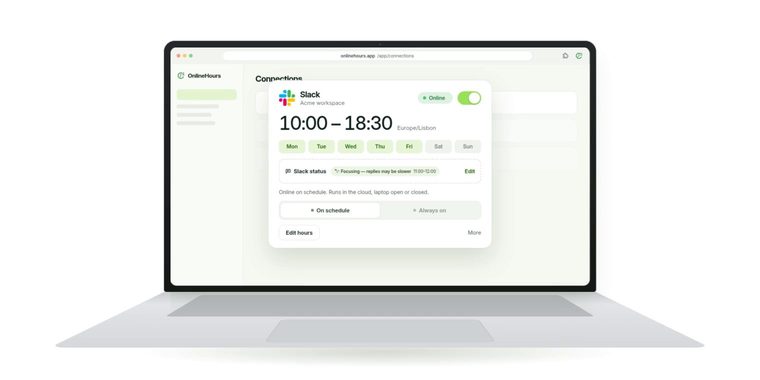
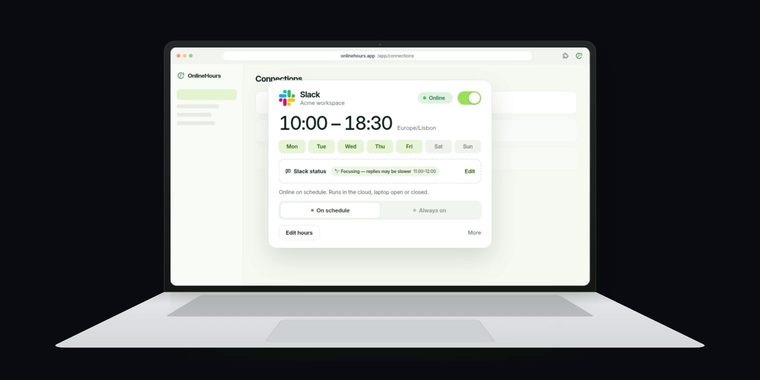
Runs on our serversConnect with the setup guide. Your schedule keeps going when your laptop is off.
No chat history, no content archiveWe do not request chat history or store messages, DMs or project content.
Your laptop can switch offYour schedule keeps running in the cloud.
Set up in about a minute
One connector for Slack, ClickUp and Google Chat. For Teams, Teams Connector is the recommended way; Microsoft sign-in is the second option. Compare both ways
01
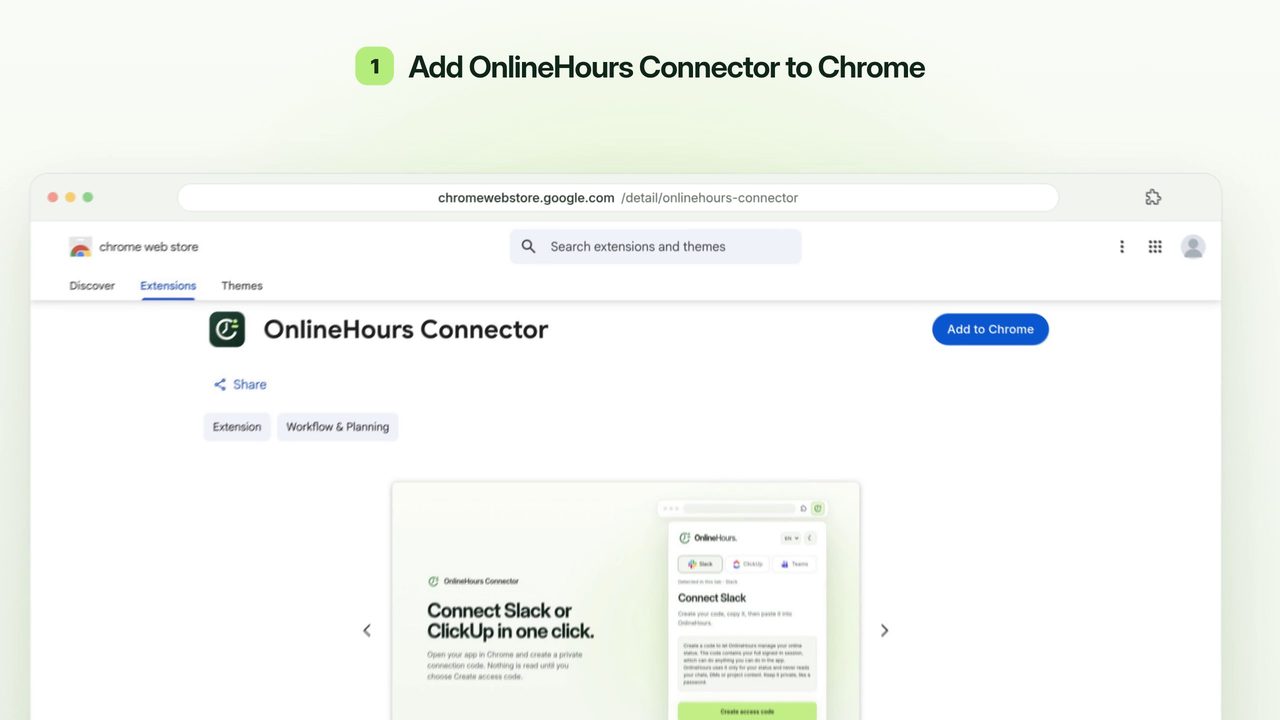
Install the connector
Open the Chrome Web Store listing and choose Add to Chrome. Pin OnlineHours to your toolbar.
Prices in USD. One subscription, one person. Check your connection before paying. Applicable tax is shown at checkout.
Stay online without sharing your work
Your online status is managed automatically. We do not read your chats or DMs, request conversation history, or store your messages and project content.
7 days for one app, no card required. The trial starts once your connection works.
Can I pause or cancel?
Pause your schedule from the dashboard at any time, or disconnect to remove the saved connection. Plans are billed monthly unless you choose yearly, and you can cancel renewal anytime.
Something missing? Tell us what would help. Share feedback