
How it works
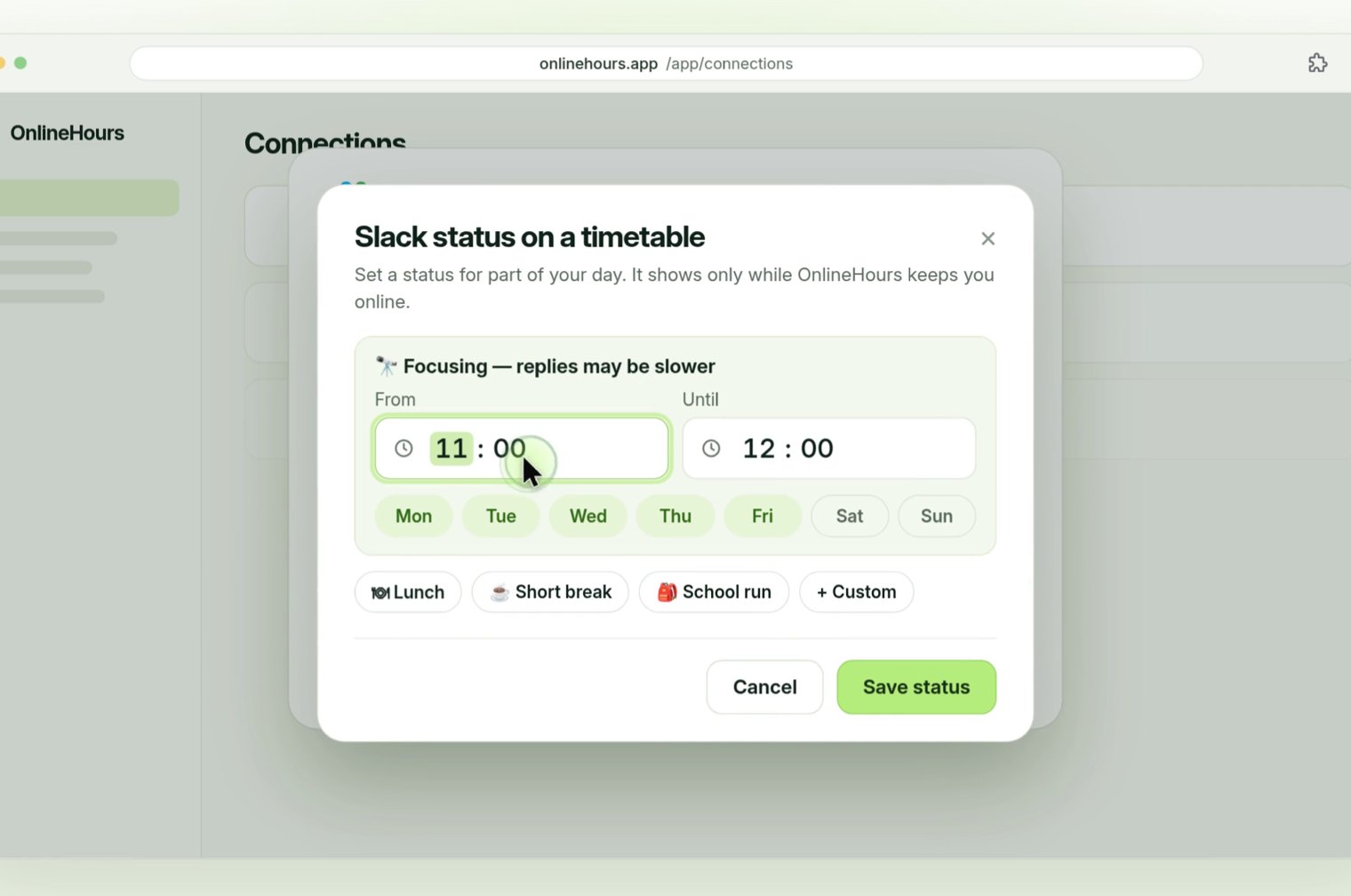
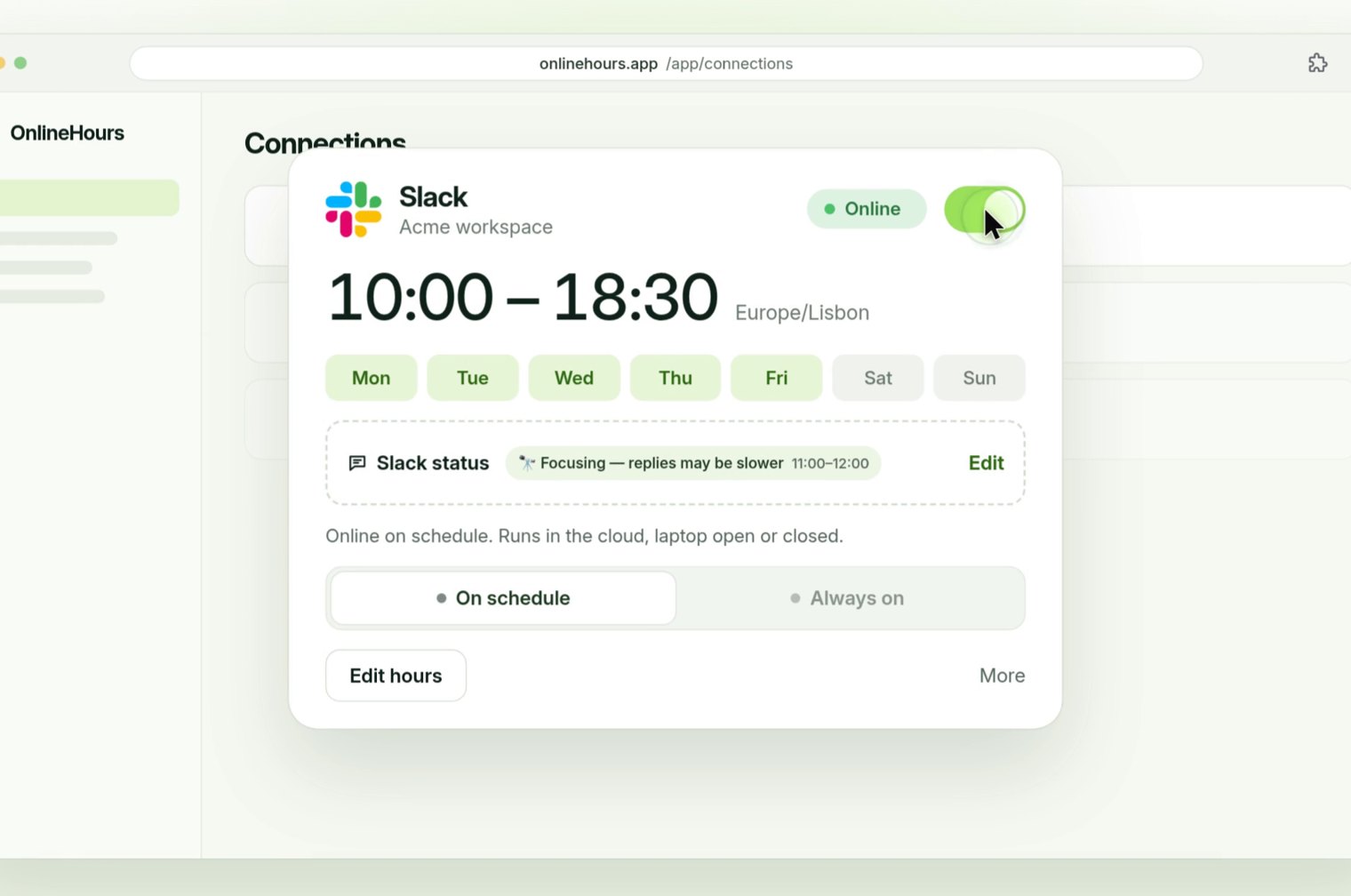
Open your Slack connection in OnlineHours and choose Add status. Pick a ready-made status (Lunch, Short break, Focus time, School run) or Custom, then set the emoji, text, times and days.
The status shows only while OnlineHours keeps you online on your schedule. When the block ends, your previous status comes back. If you change your status yourself, OnlineHours leaves it alone.
Several blocks can sit in one day, for example Focus in the morning and Lunch at one o’clock.
Why a status beats a green dot alone
A green dot says you are reachable; it does not say whether you will answer in two minutes or after a meeting. A timed status tells your team what to expect, which makes focused work and breaks easier to take.
What you need
A Slack connection in OnlineHours (the free OnlineHours Connector creates the connection code) and a schedule. Slack on its own is $3.49 a month, with a 7-day trial and no card.
Common questions
Does the status stay after my hours end?
No. It shows only while OnlineHours keeps you online, then your previous status returns.
Can I write my own status?
Yes. Choose Custom and set the emoji, text, times and days.
Is this available for Teams or ClickUp?
Not yet. The timed status is a Slack feature today.
Can Slack repeat a status on its own?
No. Slack can clear a status after a time you choose, but it does not set it again the next day. That needs a workflow tool or a scheduler such as OnlineHours.