How it works
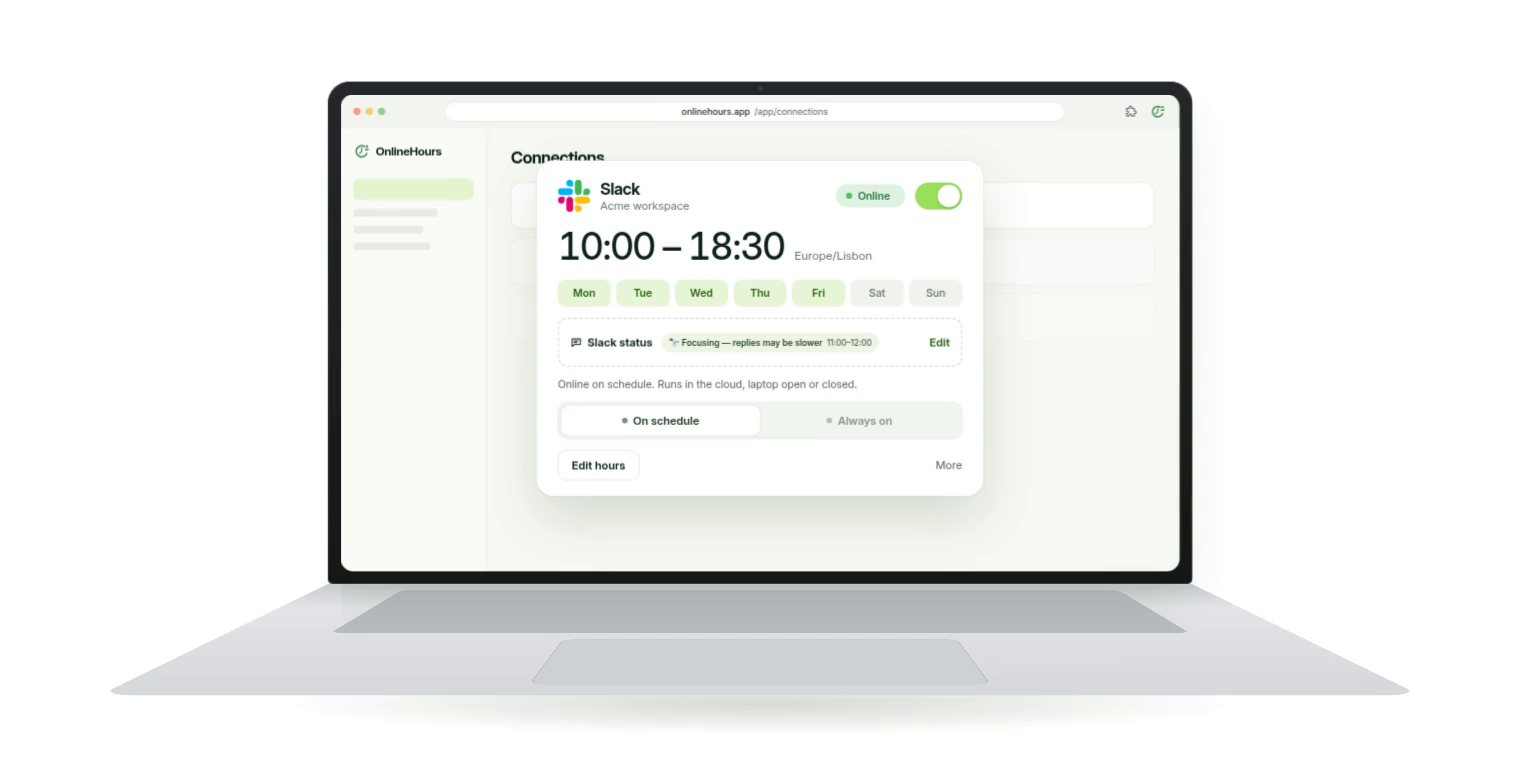
Connect once. Slack and ClickUp use a private connection code from the free OnlineHours Connector; Teams uses the Teams Connector, recommended for Teams in your browser, or Microsoft sign-in for work accounts.
Choose your hours: up to six time blocks per app, each with its own days, in the time zone you pick. Switch it on and close the laptop.
Outside your hours OnlineHours stops and your apps go back to their normal rules. Stop, Always on and Go online for a while are one tap away in the dashboard.
What we tested
In our internal tests in September 2026, supported Slack, ClickUp and Teams connections kept showing an online status after the app and its browser tab were closed. We also checked that stopping and restarting a connection works.
Results depend on the app, the account and whether its session is still valid, so check the status from a colleague’s view when you first switch it on.
When it helps
Flexible or split hours, reading and thinking away from the keyboard, calls on your phone, field days, or overlapping with colleagues in another time zone.
Your status should reflect when you are working and reachable; follow your organization’s policy on presence tools.
Price
Slack $3.49 a month, Teams or ClickUp $3.99, one app $29.99 a year, all three $9.99 a month with Plus. Try one app free for 7 days, no card required; choose a paid plan separately when you are ready.
Common questions
Does my computer need to be on?
No. The schedule runs on OnlineHours servers.
What happens if my app session ends?
The dashboard asks you to reconnect, and you create a new connection code or sign in again.
Do you read my messages?
No. OnlineHours does not read chats, DMs or files, or request conversation history.